

How To Create Blog Post
- Log into wordpress
- Click “Posts”
- Click “Add Post”
- The default blog post creation software is “Gutenberg”
- Create text, buttons, links, forms, in this Gutenberg format
- Select Category
- Add tags, featured image, meta description
- Click publish.
How To Edit Blog Post
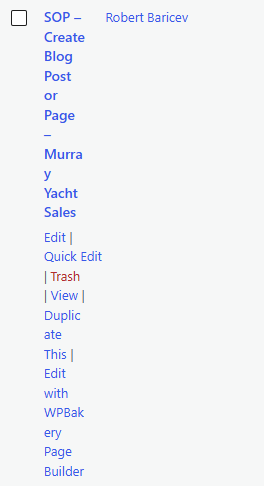
- Hover over selected blog post
- Click “Duplicate This”
- Click “Edit”
- Publish
How To Create Page
- Click Pages
- Click Add Page
- Use WP Bakery to build layout, add content
- Select Category
- Add tags, featured image, meta description
- Click publish
How To Edit Page
- Hover over selected page
- Click “Duplicate This”
- Edit details
- Publish